
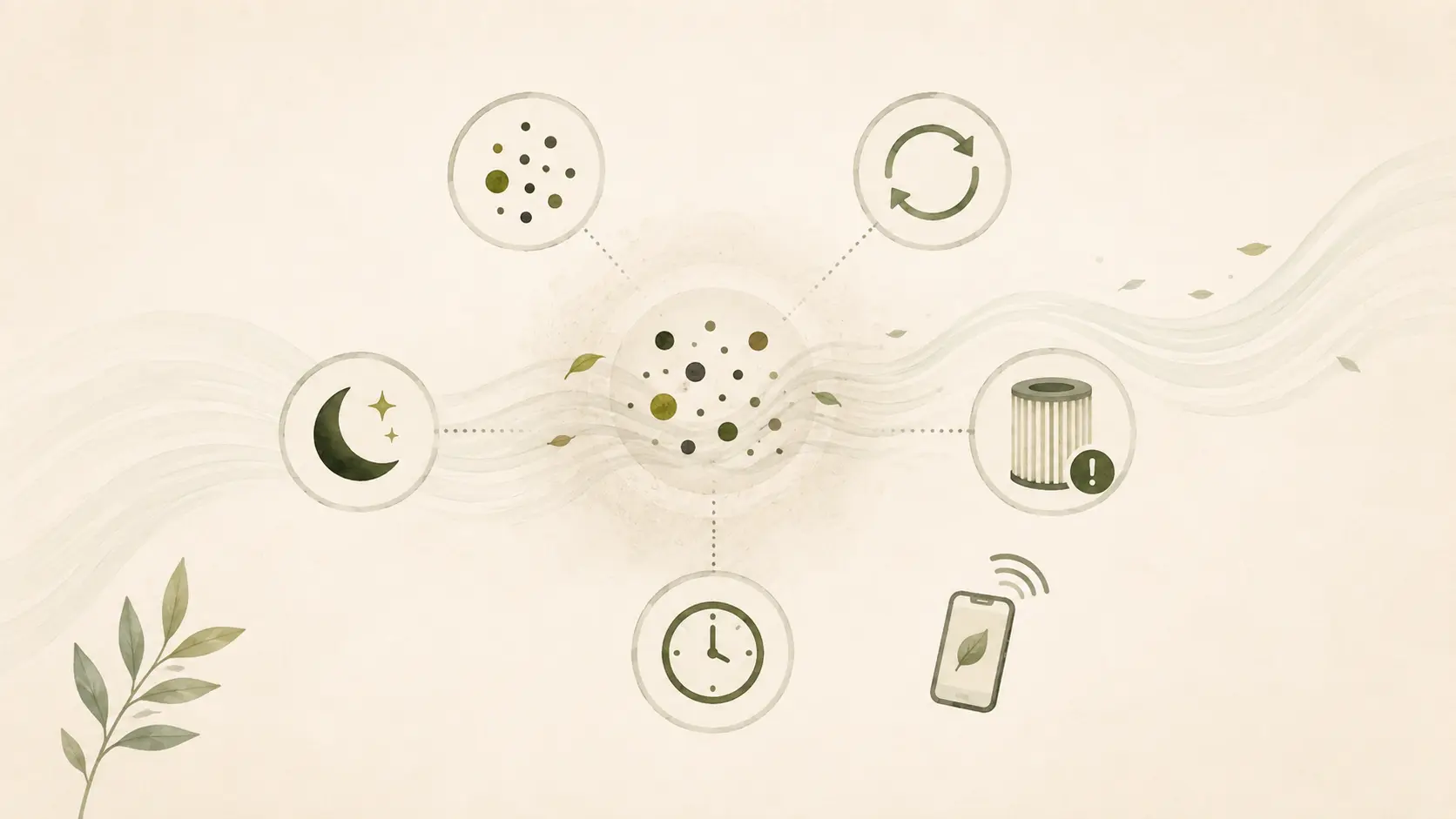
Air purifier features are worth paying for when they make an adequately sized, properly filtered machine easier to run consistently. Sensors, auto mode, sleep mode, filter reminders, apps, displays, scheduling, and smart controls can all improve day-to-day use, but none of them compensates for insufficient Clean Air Delivery Rate, weak particle filtration, or the wrong filter type for the pollutant you are trying to remove.
The best buying order is therefore performance first, convenience second. Establish the room-size requirement with our air purifier CADR and room-size guide, then confirm that the filtration system addresses the actual problem. Our guide to choosing an air purifier for allergies, smoke, dust, or pets handles that pollutant-matching decision.
After those fundamentals are covered, the most valuable extras usually make everyday use easier: useful fan-speed control, a sensible automatic mode, display-off or sleep controls, clear filter reminders, and remote or scheduled operation when those features fit your routine. Electronic features such as ionizers and UV lamps need a separate check of their performance evidence and ozone emissions. For final product comparisons across performance, maintenance, noise, and usability, see our guide to the best air purifiers.
Air Purifier Features Worth Paying For: Quick Guide
The same feature can be valuable for one household and unnecessary for another. Use the table below to separate features that can genuinely improve daily operation from features that mainly add cost, complexity, or marketing appeal.
Air Purifier Features: What Adds Real Value?
| Feature | Worth Paying For When | What It Does Not Prove |
|---|---|---|
| Particle Sensor | You want a quick indication of changing airborne particle levels or want the purifier to react automatically to detected particulate matter. | A PM sensor does not represent every aspect of indoor air quality and does not detect pollutants it was not designed to measure. |
| Auto Mode | You want fan speed to adjust automatically based on the purifier’s sensor instead of changing speeds manually. | Auto mode does not guarantee that the manufacturer’s sensor thresholds or fan behavior match your preferred cleaning strategy. |
| Multiple Manual Fan Speeds | You want predictable control over the tradeoff between airflow, noise, and energy use. | More speed settings do not increase the purifier’s maximum CADR or filtration quality. |
| Sleep Mode / Display Off | The purifier will run in a bedroom and you need dimmer lights, quieter operation, or simpler nighttime controls. | A low-noise sleep setting may also move less air and should not be confused with maximum-performance operation. |
| Filter Reminder | You want a maintenance prompt so filter service is less likely to be forgotten. | The reminder does not necessarily measure how physically loaded the filter is; some systems are primarily based on time or operation. |
| Air-Quality Display | You want at-a-glance feedback from the purifier’s onboard sensor without opening an app. | A number, color ring, or air-quality rating does not provide a complete measurement of indoor air quality. |
| App / Remote Control | The purifier is difficult to reach, runs in another room, or benefits from remote speed, mode, scheduling, or status control. | Connectivity does not make the purifier clean air faster or improve the underlying filter media. |
| Scheduling | You have a predictable routine and automatic start, stop, or fan-setting changes will help the purifier run consistently. | A schedule cannot compensate for an undersized purifier or a fan setting that delivers too little airflow. |
| ENERGY STAR Certification | The purifier will run for long periods and you want independently certified energy efficiency. | ENERGY STAR addresses energy efficiency rather than proving superior air-cleaning effectiveness. |
| Child / Control Lock | The purifier is accessible to children or pets and accidental control changes are likely. | A lock is purely a usability feature and does not affect cleaning performance. |
| Ionizer, Plasma, UV, or Other Electronic Extras | Only after you understand the technology, evidence, ozone implications, and whether the feature can be disabled when desired. | The presence of an electronic technology does not automatically mean better particle, gas, VOC, or biological removal. |
Buy performance first. Features add value when they make an adequately sized, properly filtered purifier easier to operate and maintain.
The pattern is simple: features are most valuable when they automate something you would otherwise forget, make the purifier easier to operate at the fan speed you need, or remove a recurring annoyance. They are least valuable when they are used to distract from weak airflow, expensive filters, inadequate filtration, or vague performance claims.
Performance Features Come Before Convenience Features
Before evaluating sensors, apps, or displays, make sure the purifier performs its basic job. The EPA recommends selecting a portable air cleaner with a CADR appropriate for the room or area being served. A machine that is undersized does not become a good purchase because it has a sophisticated app.
The same hierarchy applies to filtration. If particles are the concern, confirm capable particle filtration; our guide to what HEPA filters capture explains that side of the system. If gases or odors matter, evaluate carbon or another sorbent separately using our guide to air purifiers for VOCs and odors.
Only after the purifier has enough clean-air delivery and the right filtration should convenience features influence which model you buy. That sequence prevents an impressive interface from outweighing the performance characteristics that determine whether the purifier is useful in the first place.
Air-Quality Sensors Are Useful, but Know What They Measure
An onboard particle sensor can be useful because it gives the purifier information to display or use for automatic fan control. Our guide to air-quality sensor types explains what PM, VOC, CO2, and other sensors measure. The limitation is that a sensor measures only the pollutant or environmental factor it was designed to detect.
The EPA notes that consumer air-quality sensors do not provide a complete representation of indoor air quality. A device designed to measure particulate matter, for example, does not automatically detect radon, carbon monoxide, or every VOC that may be present.
EPA also notes that information about the accuracy and precision of many lower-cost indoor monitors remains limited and that readings can be affected by placement, temperature, humidity, data processing, time in use, and other contaminants. An air purifier’s built-in sensor should therefore be treated as a useful control and trend tool rather than as a laboratory-grade assessment of the room.
This matters when a purifier summarizes its sensor reading with a single color. A green ring may mean that the pollutant its sensor is monitoring is currently below the manufacturer’s chosen threshold. It does not prove that every relevant indoor pollutant is at an ideal level.
Auto Mode Is Worth Paying For When Its Behavior Fits Your Routine
Auto mode connects the purifier’s sensor to its fan control. When the monitored pollutant rises, the purifier can increase fan speed; when readings fall, it can reduce airflow. That can be convenient when pollutant levels change throughout the day and you do not want to adjust the machine manually.
The usefulness of auto mode depends on two things: what the sensor detects and how aggressively the manufacturer programs the purifier to react. EPA notes that there are not widely accepted indoor concentration limits for most pollutants detected by consumer monitors, so manufacturers may determine their own alert or control thresholds.
That means two purifiers with similar particle sensors can behave differently in the same room. One may remain at a low fan speed until particle levels rise substantially, while another may respond sooner or stay at higher airflow longer.
Auto mode is therefore worth paying for when you like the purifier’s actual behavior, not simply because the feature appears on the specification sheet. In bedrooms or offices, changing fan speeds can also affect perceived noise. Our guide to air purifier noise for bedrooms and offices covers that tradeoff separately.
Manual Fan-Speed Control Is Still One of the Most Useful Features
Manual fan-speed control lets you choose the balance between airflow and noise. The EPA notes that higher fan speeds filter more air while lower fan speeds filter less.
Multiple well-spaced fan settings make it easier to choose a predictable operating point for sleeping, working, or periods of elevated particle levels. A purifier with only a very low setting and a very loud high setting may offer less practical control than one with several useful intermediate speeds.
Manual control is particularly valuable when you do not trust auto mode to maintain the airflow you want. It also makes performance easier to understand because the purifier stays at the setting you selected instead of changing automatically.
Sleep Mode Is Valuable When It Controls More Than the Fan
Sleep mode can be useful in a bedroom when it dims or disables display lights, reduces button illumination, limits alert sounds, or provides a predictable nighttime fan setting. Those changes can matter even when the purifier is already acoustically quiet enough.
Do not assume that sleep mode preserves the purifier’s maximum cleaning performance. Lower fan speed normally means lower clean-air delivery. If the purifier barely meets the room-size requirement on high, an extremely low sleep setting may provide much less filtration than the maximum CADR suggests.
A separate display-off control can therefore be more valuable than a sleep mode that forces the fan to its minimum speed. Ideally, lighting and fan speed can be controlled independently so you can keep the room dark without unnecessarily reducing airflow.
Filter Alerts Are Worth Having, but They Are Maintenance Reminders
A filter reminder is a simple feature with real practical value because it reduces the chance that maintenance is forgotten. The purifier can remind you when the manufacturer expects the filter to require attention instead of relying on a calendar or memory.
Do not assume every filter alert directly measures how much particulate matter the filter has captured. Some systems primarily track elapsed operating time or another programmed maintenance schedule. The reminder may therefore appear even when two homes have exposed the filter to very different pollutant loads.
The alert should be interpreted alongside the manufacturer’s instructions and the actual operating environment. Wildfire smoke, pets, heavy dust, and other high-load conditions can change filter life. Our guide to air purifier filter replacement cost and long-term value handles the maintenance and ownership-cost side in more detail.
Apps and Remote Controls Are Convenience Features, Not Performance Features
An app can be worth paying for when it solves a real control problem. If the purifier is across the bedroom, in a nursery, downstairs, or otherwise inconvenient to reach, remote fan-speed and mode control can make the machine substantially easier to use.
Apps can also provide schedules, sensor history, filter reminders, remote status, or notifications that would be awkward to fit onto the purifier’s physical controls. These controls can save repeated trips to the purifier when you regularly change its settings.
Connectivity does not improve CADR, filter efficiency, carbon quantity, or room-size capability. Compare the purifier’s airflow, filtration, and running costs before deciding what its app is worth. If the machine would no longer look competitive without its connected features, the premium may be going toward the wrong part of the design.
Also consider whether basic operation remains available from physical controls. A purifier that requires an account, internet connection, or phone for ordinary fan control creates more dependency than a model whose app is genuinely optional.
Scheduling Is Useful When It Improves Consistency
A timer or schedule can be useful when the purifier follows a predictable routine. You might want stronger airflow before using a room, lower airflow during a recurring meeting, or a specific nighttime setting without adjusting the controls manually each day.
Scheduling is less valuable when it encourages the purifier to remain off for long periods simply to save noise or electricity. Air filtration only occurs while air is actually moving through the filter, so the schedule should support the cleaning strategy rather than undermine it.
The best implementation lets you schedule fan speeds or modes rather than only power on and off. That gives you more control over the airflow-versus-noise tradeoff across different parts of the day.
Air-Quality Displays Are Best for Trends, Not a Complete IAQ Score
An onboard display can be more useful than an app when you simply want to glance at the purifier and see whether its monitored particle level is changing. Numeric PM readings can also provide more context than a color ring alone.
The important limitation is the same as with the underlying sensor. EPA notes that lower-cost monitors only detect the contaminants or environmental factors for which their sensors are designed. One particulate reading should not be interpreted as a complete score for every aspect of indoor air.
EPA also notes that manufacturer alert thresholds may vary because there are no widely accepted indoor concentration limits for most pollutants monitored by these consumer devices. A red-to-green indicator can still be useful for relative changes, but its categories are not automatically universal indoor-air standards.
ENERGY STAR Is Worth Considering for a Purifier That Runs for Long Periods
Air purifiers can operate many hours per day, so energy efficiency becomes more important than it would be for an appliance used only occasionally. ENERGY STAR reports that certified room air cleaners are substantially more energy-efficient than standard models.
The certification should be interpreted correctly. The EPA states that the ENERGY STAR label refers to energy efficiency and does not itself establish the purifier’s air-cleaning effectiveness.
That means efficiency comes after capacity. First choose machines with enough clean-air delivery for the room, then compare how much electricity they require to provide that performance. A very efficient undersized purifier is still undersized.
Energy cost is also only one part of ownership. Replacement filters can exceed electricity cost over several years depending on the purifier, which is why both should be evaluated together rather than focusing on a single operating expense.
Child Locks, Handles, and Small Usability Features Can Matter More Than They Look
Some of the most useful features are mechanically simple. A control lock can prevent accidental fan-speed changes when children or pets can reach the purifier. A well-positioned handle can matter if a heavy machine moves between a bedroom and living room. Wheels can make a large floor unit easier to reposition without lifting it.
Check how easily the filter can be reached. Awkward disassembly makes every prefilter cleaning or cartridge replacement more work.
These features do not improve filtration, but they can improve the probability that the purifier is used and maintained correctly. That makes them legitimate tie-breakers once performance, noise, and ownership cost are already acceptable.
Treat Ionizers, Plasma, UV, and Other Electronic Extras Separately
Electronic air-cleaning technologies should not be grouped with ordinary convenience features such as scheduling or display dimming. They can change how the purifier interacts with pollutants and may create additional considerations such as ozone emissions or other byproducts.
The EPA advises avoiding air cleaners that intentionally produce ozone and notes that some electrostatic precipitators, ionizers, UV systems, and plasma air cleaners may have the potential to emit ozone. EPA also states that research has not yet shown technologies such as plasma, photocatalytic oxidation, or ultraviolet light to remove gases effectively in portable residential air cleaners.
If a purifier includes an electronic technology, check whether it can be disabled independently and whether the machine still provides strong mechanical filtration when that feature is off. Do not assume that an ionizer, plasma label, or UV lamp improves the purifier’s CADR or replaces HEPA or carbon media.
For products sold in California, the California Air Resources Board maintains a list of certified air-cleaning devices. CARB explicitly notes that its certification addresses the state’s ozone-emission requirements and does not establish that a purifier is effective or provide a general safety endorsement.
Which Air Purifier Features Should You Pay Extra For?
The answer becomes easier when you force every feature to justify its cost after the purifier has already met the performance requirement.
Pay for features in this order
Once a purifier meets your airflow and filtration needs, compare which controls will make it easier to use and maintain.
Frequently Asked Questions
Is auto mode worth paying extra for on an air purifier?
It can be when the purifier’s sensor detects a pollutant relevant to your use and the automatic fan behavior matches how you want the machine to operate. Auto mode is less valuable when you prefer a predictable manual speed or when the purifier reacts too slowly or too aggressively for your routine.
Are air purifier particle sensors accurate?
Accuracy varies. EPA notes that information about the accuracy and precision of many consumer indoor-air monitors remains limited and that placement, humidity, temperature, age, processing methods, and other contaminants can affect readings. Treat an onboard sensor as a useful operating and trend tool rather than assuming laboratory-grade accuracy.
Is an air-quality display worth having?
It can be useful if you want immediate feedback without using an app. Numeric readings generally provide more context than a color light alone, but the display still represents only the pollutants the purifier is designed to sense.
Do I need an app for an air purifier?
No. An app is a convenience feature. It can be worthwhile for remote control, scheduling, notifications, or sensor history, but a good purifier should not need an app to provide its basic filtration performance or ordinary fan control.
Is a filter replacement indicator worth paying for?
Usually as a convenience, especially if you are likely to forget maintenance. Just remember that the alert may be based on elapsed time or operating history rather than direct measurement of how dirty the filter is.
Does sleep mode improve air purification?
Not necessarily. Sleep mode is primarily an operating convenience and often reduces fan speed or display brightness. Lower fan speed usually means less clean-air delivery, so evaluate the nighttime setting separately from the purifier’s maximum CADR.
Is ENERGY STAR worth looking for on an air purifier?
Yes when energy efficiency matters, especially for a purifier that will run many hours per day. ENERGY STAR certification concerns energy efficiency; it does not by itself prove that the purifier cleans the air more effectively than a non-certified model.
Are ionizers worth paying extra for?
Do not treat ionization as an automatic upgrade. Evaluate the purifier’s mechanical filtration first, check ozone-emission information for electronic technologies, and determine whether the ionizer can be disabled if you do not want to use it.
Does CARB certification mean an air purifier works better?
The California Air Resources Board’s certification list addresses ozone-emission requirements. CARB explains that listing does not rate pollutant removal or provide a general safety endorsement. If two models are both listed and your concern is airborne smoke particles, compare their smoke CADRs at a speed you can live with, then check the filter replacement cost. Those figures answer buying questions the listing does not cover.
Are UV or plasma features better than HEPA filtration?
They should not be treated as replacements for proven particle filtration. EPA notes that research has not shown technologies such as plasma, photocatalytic oxidation, or ultraviolet light to remove gases effectively in portable residential air cleaners. Judge any electronic feature separately from HEPA, CADR, and carbon performance.
Which air purifier feature matters most?
After adequate CADR and filtration, the most valuable feature is the one that makes you more likely to operate the purifier consistently at a useful setting. For one person that may be auto mode; for another it may be manual speed control, display-off, scheduling, or simple physical controls.
The Bottom Line
Air purifier features are worth paying for when they make a capable purifier easier to run, control, and maintain. Sensors and auto mode can reduce manual adjustment, sleep controls can make bedroom use easier, filter reminders can prevent forgotten maintenance, and apps or schedules can save manual adjustments when remote control fits your routine.
Do not let those extras outrank performance. Establish room-size CADR and filtration first, then compare noise, replacement-filter cost, energy efficiency, and convenience. Treat sensor readings as limited to what the device actually measures, and evaluate electronic technologies such as ionization, plasma, or UV separately rather than assuming they are automatic performance upgrades.
The best feature is ultimately the one that improves consistent real-world use without adding unnecessary cost or complexity. For product-level recommendations after those requirements are clear, return to our guide to the best air purifiers for cleaner indoor air.
Important: This article provides general information, not individualized medical, safety, installation, legal, or other professional advice. Product specifications, instructions, and safety information can change; verify current information with the manufacturer and consult an appropriately qualified professional when needed. See our Terms and Conditions for additional information.