
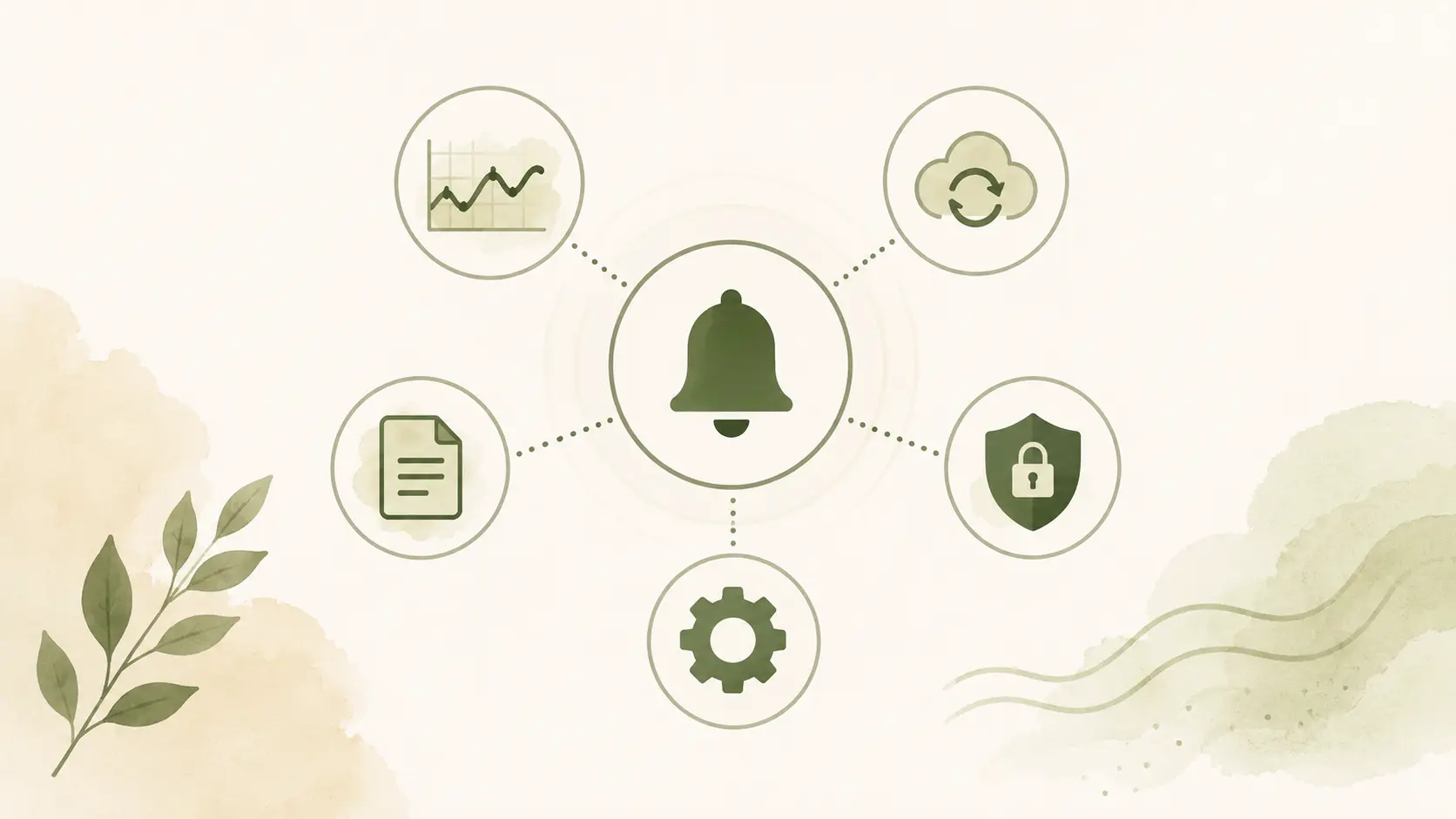
A smart indoor air quality monitor can show the current reading on its display. Its app is most useful when you want to look back. What happened overnight? Does PM2.5 rise every time you cook? How long does bedroom CO₂ stay elevated? Did humidity improve after a change to ventilation? Can you export the data later, or does the manufacturer keep it locked inside its own app?
That makes data history, configurable alerts, reliable synchronization, and data access more important than animated gauges or a polished home screen. Smart-home integrations can also be valuable when they connect the right measurement to the right response, but they should come after the monitor itself measures what you need and records those measurements consistently.
Cloud dependence, subscriptions, privacy, and software support belong in the buying decision too. A connected air monitor is not just a sensor sitting on a shelf. It can be a product made up of the physical monitor, mobile app, account system, cloud service, firmware, integrations, and stored data. Before paying more for smart features, understand which of those pieces you actually need and what happens if one disappears. For the sensor hardware itself, start with which air quality monitor sensors actually matter. For product comparisons, see our indoor air quality monitor buying guide.
Which App Features Matter Most?
Not every connected feature deserves equal weight. We would rank air quality monitor software by what it lets you do with the measurements after they leave the sensor.
Feature priority
Start with features that preserve and explain the sensor data. Add convenience and automation only after those fundamentals are solid.
A simple app with excellent history and export can be more useful over five years than a visually impressive app that hides raw measurements, restricts old data, or depends on an unsupported cloud service.
This ranking follows the purpose of the monitor rather than the sophistication of the software. EPA’s current Air Sensor Guidebook emphasizes defining how sensor data will be collected, managed, interpreted, communicated, and ultimately used. A feature earns its place when it helps with one of those tasks rather than simply adding another icon to the dashboard.
Historical Data Is More Important Than the Live Gauge
A live PM2.5 or CO₂ number is useful for seeing what is happening right now. The historical graph explains whether that moment is normal.
EPA identifies examining daily trends as one of the common informational uses for air sensors. The agency’s current sensor-data resources also emphasize that high-time-resolution measurements need to be organized and interpreted before they become useful information.
For a home buyer, that means the app should preserve enough history to answer ordinary questions. Did bedroom CO₂ rise for twenty minutes or remain elevated for seven hours? Was a PM2.5 spike unusual or does it happen every evening during cooking? Is the upstairs humidity problem seasonal? Did an air purifier change the length of particle events after it was added?
Look at the time scales available before buying. A good interface should make it easy to move from recent detail to longer patterns without flattening everything into an unreadable graph. Hour, day, week, month, and longer views are more useful than one endless chart with no way to change the scale. Our IQAir AirVisual Pro review explains how recent hourly views and older summaries affected the experience of revisiting a bedroom night.
Also check whether the underlying measurements remain available individually. A proprietary Air Score 82 may be convenient, but it cannot replace the PM2.5, CO₂, VOC, and humidity histories that explain why the score changed. For interpretation of those underlying values, see what PM2.5, CO₂, VOC, and humidity readings mean.
A Good Alert Should Tell You What Changed
An alert that reports poor air quality without naming the measurement forces you to open the app to find out what changed. A better alert identifies the measurement: PM2.5 elevated, CO₂ elevated, humidity outside the selected range, or another defined condition.
Configurability matters because the correct response differs by pollutant. A PM2.5 notification may justify increasing particle filtration. A persistent CO₂ notification may point toward ventilation. A humidity alert may call for moisture control. A VOC alert may be most useful as a prompt to identify a source.
That is why we prefer pollutant-specific thresholds over one universal bad air notification. We also like alerts that can incorporate duration or repeated measurements rather than firing from every momentary fluctuation. Consumer sensors can produce short spikes, and the practical significance of a five-second excursion can differ substantially from an hour-long elevation.
Useful controls can include separate high and low humidity thresholds, per-sensor notifications, alert muting, quiet hours, different settings for different rooms, and a clear indication of when the condition returned to normal.
Do not assume the manufacturer’s default threshold is universal. CO₂ targets depend on context, PM2.5 interpretation depends on averaging and duration, and consumer VOC indexes can be manufacturer-specific. The alert should help you notice the measurement, not pretend that every number has one universal action point. Our guide to when air quality readings call for filtration, ventilation, or another response handles that decision separately.
Data Export Keeps Your Measurements From Being Trapped in the App
Data export is easy to ignore when the monitor is new because the manufacturer’s graph seems sufficient. Its value grows with time.
EPA’s air-sensor quality-assurance guidance specifically treats data management as part of a monitoring plan: users should know the path from data generation through final use and storage. EPA also provides separate tools for managing, harmonizing, analyzing, and visualizing large air-sensor datasets.
You do not need research software at home, but the principle still applies. If the monitor collects years of data, you should know whether you can take a copy with you.
A straightforward CSV export is especially useful because it can be opened in common spreadsheet and analysis tools. Look for timestamps, measurement names, units, and enough temporal resolution to preserve the pattern you care about. An export containing only daily averages is less useful if you bought the monitor to investigate short cooking or ventilation events.
Also find out how the export works. Can you select a date range? Does it include every sensor? Can you download it yourself, or must you request an account archive? Is historical export free while the product is active? What happens to the data if you cancel a subscription?
Even if you never plan to analyze the data today, exportability protects the usefulness of a long monitoring history if the app later changes, you switch brands, or you want to investigate a pattern the built-in charts cannot answer.
Where Does the Data Go After the Sensor Measures It?
Connected monitors can use very different architectures. Some retain data on the device and synchronize when the app connects. Others depend heavily on a cloud backend. Some let local smart-home systems read the monitor directly, while others route every interaction through the manufacturer’s servers.
NIST treats a consumer Internet of Things product as more than the physical device. The complete product can include the sensor, backend or cloud service, companion mobile app, and other components required to provide its functionality. That is the right way to evaluate a connected air monitor too.
Follow the measurement
The more parts of this path the product depends on, the more questions you should ask about storage, outages, support, subscriptions, security, and long-term access.
Cloud connectivity can enable remote access and synchronization. Check which functions depend on those services and what remains available without them.
Cloud Dependence Is Not Automatically Bad
A cloud-connected monitor can offer capabilities that are difficult to reproduce with a purely local device. Remote notifications, synchronized history across phones, web dashboards, easier multi-room access, automatic backups, account sharing, and integrations can all benefit from a backend service.
The tradeoff is dependency. Some part of the product now relies on the manufacturer’s servers continuing to operate and the company continuing to support the app, authentication system, and device firmware.
Before buying, find out what remains functional without internet service. Ideally, the physical monitor continues sensing and displaying current values. Better implementations may also buffer measurements locally and synchronize them later so a temporary internet outage does not create a permanent hole in the graph.
Then ask what happens if the manufacturer’s cloud service itself disappears. Does the display still work? Can the device be accessed locally? Can data still be exported? Do smart-home integrations require the cloud? A $250 monitor that becomes nearly useless when its cloud service closes is a greater loss than one that keeps measuring and loses only remote access.
The Federal Trade Commission has specifically advised buyers of smart products to investigate how long manufacturers intend to provide software updates and to consider how the product will function when those updates stop. That question applies particularly well to air monitors expected to sit in a home for years.
Smart-Home Automations Matter When the Measurement Matches the Equipment
A list of integrations with Alexa, Google Home, Apple Home, Home Assistant, IFTTT, APIs, or webhooks can look impressive. What matters is what each integration can actually do.
A useful automation connects the measurement to equipment that can address it. A reliable PM2.5 reading can increase the speed of an appropriately sized particle air purifier. A humidity reading can control a dehumidifier or humidifier when the equipment and automation system support it. A CO₂ reading can inform mechanical outdoor-air ventilation when the ventilation hardware can actually respond.
The relationship is weaker when the automation pairs the wrong equipment with the reading. Turning on a conventional HEPA purifier because CO₂ increased will not lower the CO₂. Turning the purifier up because humidity increased will not dehumidify the room. A VOC alert may require identifying the source rather than blindly switching one appliance on.
Check the integration’s actual capabilities before assigning much value to the logo on the box. Can your automation platform read each individual sensor, or only the manufacturer’s overall air-quality score? How often are readings exposed to the platform? Can rules trigger locally, or do they require both companies’ cloud services? Can you choose the threshold and duration?
Sensor location becomes especially important once the reading controls equipment automatically. A PM2.5 monitor sitting directly in the purifier’s clean-air outlet may shut the purifier down before the rest of the room is clean. See where to place an air quality monitor before building automations around it.
Check What a Subscription Includes and What Happens if You Cancel
A recurring fee is easier to justify when the company is providing a genuinely ongoing service that you value. It is harder to justify when basic functionality of hardware you already purchased becomes artificially restricted.
Before buying, separate what works for free from what requires payment. Common subscription boundaries can include extended history, advanced reports, remote access, data export, additional locations, more household users, advanced alerts, third-party integrations, or cloud storage.
Pay particular attention to historical retention. A monitor that advertises beautiful long-term graphs may provide only a short free window and require a subscription to see older measurements. That changes the long-term ownership cost if history is one of the main reasons you want the monitor.
Also ask what happens to previously collected data when the subscription is cancelled. Does older history remain visible? Can it be downloaded first? Does the monitor return to a useful free tier, or do important features stop entirely?
A subscription is not automatically a reason to reject a product. It should simply be treated as part of the monitor’s total ownership model rather than discovered after you have already accumulated months of data inside the platform.
Privacy Starts With Understanding What the Product Collects
An air quality monitor does not need a camera or microphone to create data about a household. Time-stamped measurements can show occupancy-like patterns, room conditions, device locations, account details, IP information, and how the product is used. Connected apps may also collect diagnostic, analytics, advertising, or other information depending on the manufacturer and permissions you grant.
That does not mean every connected monitor presents the same privacy risk. It means the privacy policy and app permissions belong in the product evaluation instead of being treated as paperwork unrelated to the hardware.
The FTC advises connected-device companies to consider the full life cycle of data collection, transmission, storage, access, use, and deletion. It also recommends limiting collection and retention where appropriate. For buyers, those principles translate into practical questions: What data leaves the home? What is necessary for the service? Is information shared with third parties? Can analytics or unnecessary features be disabled? Can the account and stored data be deleted?
Pay attention to location permissions in particular. A monitor may legitimately need approximate or precise location for outdoor-air comparisons, weather, setup, or local services, but that does not mean every permission must remain enabled forever. Review what functionality actually depends on it.
We would also favor products that explain their data practices clearly over ones that make basic questions difficult to answer. Transparency does not establish perfect privacy, but ambiguity makes the tradeoff harder to evaluate.
Security and Software Support Are Part of Long-Term Value
A Wi-Fi-connected monitor is also an Internet-connected device. NIST’s consumer IoT cybersecurity framework treats cybersecurity as a property of the complete product rather than only the physical sensor. That includes software and supporting services needed to operate it.
Look for secure account practices, a company that issues firmware and app updates, and clear support documentation. If the product offers multifactor authentication, that is useful for accounts containing remote device access or household data. Avoid reusing passwords across connected-device accounts.
The FTC recommends keeping connected-device firmware and companion apps updated and disabling functions you do not use. It also advises manufacturers to communicate how long security updates will be provided, though the agency has found that support-duration information can still be difficult for consumers to locate.
That makes the manufacturer’s track record relevant. An established app that is actively maintained, receives firmware updates, and has documented support can be worth more than an obscure device promising an enormous feature list with no visible software lifecycle behind it.
For a monitor expected to operate continuously for years, ask a simple ownership question: Will the software side of this product plausibly last as long as the hardware?
Multi-Room Monitoring Should Make Comparison Easier, Not Just Add More Tiles
If you expect to use more than one monitor, evaluate the app as a multi-room system before buying the first unit. A dashboard showing six devices is not enough if comparing them requires opening each one individually and remembering the numbers.
Useful multi-room software lets you identify the room quickly, compare the same pollutant across locations, move between identical time ranges, and see which room changed without rebuilding the view every time.
This can reveal patterns a single monitor cannot. Bedroom CO₂ may rise overnight while the living room remains low. Upstairs humidity may differ from downstairs. Cooking PM2.5 may propagate from the kitchen into an adjoining room at a predictable delay.
Room names, device naming, synchronized time axes, and simple location switching therefore matter more than they sound. They are small interface details that determine whether multiple monitors behave like one system or several unrelated gadgets.
If you are deciding whether you actually need several monitors, our air quality monitor placement guide explains when moving one device between rooms can be sufficient and when simultaneous monitoring becomes more useful.
Remote Access Matters When You Need to Check Conditions Away From Home
Seeing the living-room PM2.5 level while standing in that living room is convenient but not transformative. Remote access becomes much more useful when you have a reason to monitor a building while you are away.
Examples include checking a home during wildfire smoke, watching humidity in a second property, receiving alerts while traveling, checking an office or workspace, or seeing whether an automated purifier response actually reduced a particle event.
If you do not need to check conditions away from home, remote access may not justify paying more. A strong local display and excellent historical data may provide more day-to-day value.
If remote access is important, test what remote actually means. Does the app update while you are away from the home Wi-Fi? Are alerts push notifications or only in-app badges? Is there a delay? Does another household member receive the same notification? Is remote history limited by the subscription tier?
The App Cannot Fix a Weak Sensor
A sophisticated dashboard can make poor measurements look authoritative. Smooth graphs, decimal precision, color gradients, and automatic scores do not establish that the underlying sensor is accurate.
Start with the measurement technology and performance. Then evaluate how well the software preserves and presents that measurement. If PM2.5 is biased, a beautiful chart is still charting biased PM2.5. If the VOC sensor responds broadly rather than identifying specific chemicals, the app cannot turn the resulting TVOC value into a laboratory chemical analysis.
This is also why raw or minimally processed values are useful alongside summary scores. You can compare the actual PM2.5 or CO₂ trend with known events rather than depending entirely on an undocumented algorithm.
For calibration, sensor drift, environmental interference, and the difference between trend accuracy and absolute concentration accuracy, see how accurate home air quality monitors are.
What We Would Check in the App Before Buying
If the manufacturer provides screenshots, documentation, or a downloadable app, look beyond the home screen. Find the historical-data view. Check whether individual pollutants remain visible. Look for the longest free history period. Find the alert settings. Search the support documentation for export. Check whether smart-home integrations expose raw sensor readings or only a summary state.
Then search for the less glamorous ownership details: internet requirements, local operation, account requirements, subscription tiers, privacy policy, data deletion, firmware updates, software-support duration, and what happens after an outage.
App-store reviews can also reveal recurring software problems, but read them selectively. A one-star complaint about a password typo is different from dozens of recent reports that synchronization stopped after an update. Pay attention to patterns and whether the developer continues responding and releasing fixes.
Finally, evaluate whether the software matches your intended use. Someone who wants a simple bedroom CO₂ history may not need APIs or Home Assistant. Someone building whole-home air-quality automations may care deeply about local integrations, update frequency, and direct sensor access. Paying for features you will never use does not make the monitor more capable for your actual goal.
Frequently Asked Questions
What is the most important air quality monitor app feature?
Useful historical data is one of the highest-value features because it turns a current sensor value into a pattern you can interpret. We would prioritize clear individual measurements, reliable history, and sensible data retention before visual dashboards or smart-home extras.
How much air quality history should an app save?
There is no universal minimum, but more history becomes valuable when you want to compare overnight patterns, seasons, room changes, equipment changes, or recurring events. Check both the total retention period and the resolution retained over time; months of daily averages are not equivalent to months of high-resolution measurements.
Should an air quality monitor let me export the data?
We consider export a valuable long-term feature. It lets you preserve your measurements outside the manufacturer’s platform, analyze patterns the built-in app cannot show, and retain a useful record if you later change products. CSV is a particularly practical format when timestamps, units, and individual sensor values are included.
Are air quality monitor alerts worth using?
Yes, when they identify the specific measurement and can be configured around your use case. PM2.5, CO₂, VOC, and humidity should not all trigger the same response, so pollutant-specific alerts are more useful than a generic poor air quality notification.
Should I pay for an air quality monitor subscription?
Only when the paid service provides enough ongoing value to justify the recurring cost. Check whether extended history, data export, alerts, integrations, remote access, or additional users require payment and what happens to existing data if you cancel.
Does an air quality monitor need the cloud?
Not necessarily. Cloud services can make remote access, synchronization, account sharing, backups, and integrations easier, but some monitors can perform useful sensing and local display functions without them. The important buying question is which functions depend on the cloud and what remains usable if the service becomes unavailable.
Will an air quality monitor keep recording if Wi-Fi goes down?
That depends on the product. Some devices buffer measurements locally and synchronize later, while others may create gaps or lose connected features during an outage. Check the manufacturer’s documentation if uninterrupted historical data matters to you.
Can an air quality monitor automatically control an air purifier?
Some monitors can control compatible devices directly or through smart-home platforms. The pairing makes the most sense when a reliable PM2.5 measurement controls equipment designed to remove particles. Make sure the monitor is positioned away from the purifier’s direct clean-air outlet so the automation responds to representative room conditions.
Can a CO₂ monitor automatically turn on an air purifier?
Some platforms let a CO₂ reading trigger a smart plug or purifier, but a conventional particle filter recirculates room air and leaves CO₂ in it. For example, an occupied bedroom may keep the fan running all night without bringing the trigger value down. Use a particle reading for a particle-filtration rule. Use a CO₂ alert to check ventilation, or connect it to compatible outdoor-air equipment designed for that control. CDC explains how CO₂ monitoring can inform outdoor-air ventilation.
Are cloud-connected air quality monitors private?
Privacy practices differ by manufacturer. Review what data the device and app collect, what permissions are requested, whether data are shared with third parties, how long information is retained, and whether you can delete the account and stored data. Connected-device privacy should be evaluated as part of the full product rather than inferred from the sensor hardware alone.
Do air quality monitor apps need software updates?
Yes. Connected products depend on maintained firmware, apps, authentication systems, and sometimes cloud services. The FTC recommends keeping connected-device software current and advises buyers to investigate how long smart-product manufacturers expect to provide software support.
Is Apple Home, Google Home, Alexa, or Home Assistant support important?
Only if you intend to use the integration. Check what data the platform can actually access and what actions it can trigger. A logo on the product page is less informative than knowing whether individual PM2.5, CO₂, VOC, or humidity measurements are exposed at useful update intervals.
The Bottom Line
The best air quality monitor app does more than display the current number. It preserves enough historical data to reveal patterns, keeps the individual sensor measurements understandable, gives you useful pollutant-specific alerts, and lets you retain or export the information you have collected.
Smart-home automations, remote access, multi-room dashboards, and household sharing can add real value when they match how you will use the monitor. Cloud services can enable those features, but they also make long-term software support, internet dependence, subscriptions, privacy, security, and data ownership part of the buying decision.
Evaluate the complete product: sensor hardware, display, app, history, account system, cloud service, integrations, and support lifecycle. Do not let a beautiful dashboard compensate for weak measurements, and do not pay for connected features that do not help you understand or act on the data. For the hardware decision, return to our indoor air quality monitor buying guide. For measurement reliability, see how accurate home air quality monitors are, and for deciding what each reading should actually make you do, see when to purify, ventilate, or use another indoor-air response.
Important: This article provides general information, not individualized medical, safety, installation, legal, or other professional advice. Product specifications, instructions, and safety information can change; verify current information with the manufacturer and consult an appropriately qualified professional when needed. See our Terms and Conditions for additional information.